Modern Dev/Test/Live Workflows
Automate CI/CD & Deployments
Bring Your Own Cloud (BYOC)
Built for Serious Agencies
Summit
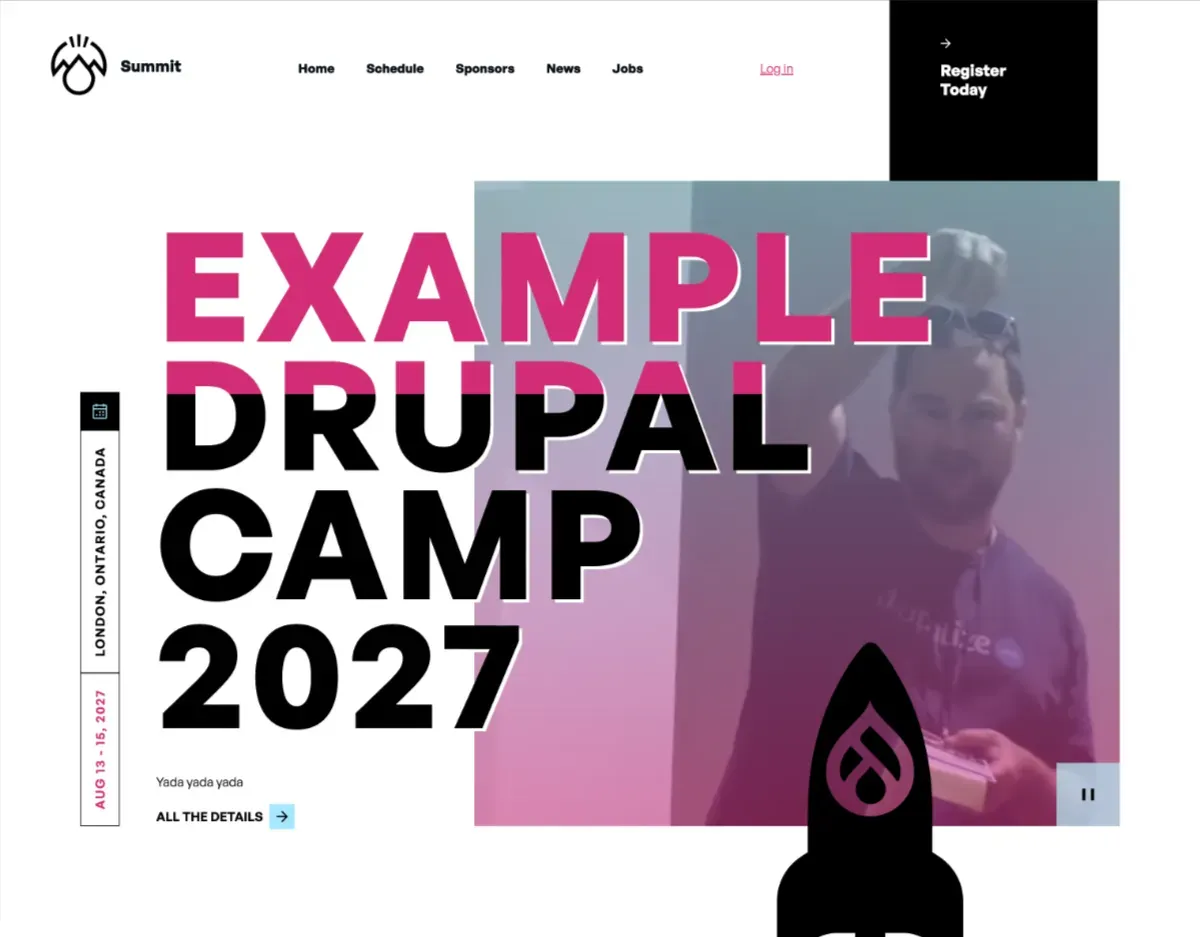
Summit packages everything a Drupal camp or conference needs — session management, sponsor tiers, drag-and-drop scheduling, automated planning workflows, and a polished brandable theme — into a single site template that installs through the Drupal CMS interface.
Unlike a simple marketing template, Summit is a full event management platform. It supports the entire lifecycle of an event: from the first announcement and call for session proposals, through speaker review and schedule publishing, to post-event wrap-up. Much of that lifecycle runs automatically: Summit uses ECA (Event - Condition - Action) automation to advance the event through planning stages and update the site's calls-to-action accordingly, leaving organizers free to focus on their event rather than their website.
Summit has been developed and refined through real-world use. The Event Platform, which powers Summit, has been used by Drupal Dev Days Vienna, NEDCamp, DrupalCamp NJ, Pacific Northwest Drupal Summit, DrupalCamp Berlin, and more. Summit brings the best of that experience to any Drupal camp or community event, in a form that non-technical organizers can install and manage on their own.
What you get out of the box:
- Brandable theme — Event Horizon lets organizers set primary and secondary colors and upload custom graphics from the theme settings page. No CSS required for basic branding.
- Session proposals and review — Speakers submit session proposals through the site. A review team scores proposals using customizable criteria and bulk-accepts or rejects them. Accepted and rejected speakers receive automated email notifications.
- Automated event planning workflow — Summit tracks the stage of your event (dates announced → call for proposals → session review → schedule live → underway → complete) and automatically surfaces the right content and calls-to-action at each stage. Transitions can be fully automated based on dates you provide.
- Drag-and-drop schedule builder — Assign accepted sessions to rooms and time slots visually. Bulk-generate time slots across multiple days in a single step.
- Sponsor management — Display sponsors by tier (bronze, silver, gold, etc.) with flexible support for sponsors at different levels across multiple event years.
- Personalized attendee schedules — Attendees can save sessions they want to attend, building a personal schedule they can reference throughout the event.
- Multi-event architecture — A single Summit site can host multiple years of your event. Previous years stay live and accessible while you plan the next one.
- Speaker and featured presenter pages — Surface keynote speakers and featured presenters prominently, including on the home page.
- Canvas-assembled home page — The Summit home page is assembled using Drupal Canvas components, making it easy for non-technical organizers to customize through the CMS.