Modern Dev/Test/Live Workflows
Automate CI/CD & Deployments
Bring Your Own Cloud (BYOC)
Built for Serious Agencies
Drupal Helps Starter Site
The DrupalHelps Starter Site is a free, ready-to-use Drupal template designed to make it easy for beginners to start building websites without writing any code. It comes pre-configured with best practices, essential modules, and powerful tools like Layout Builder, an enhanced media library, and four common content types (articles, news, events, and landing pages). With built-in templates, drag-and-drop design, and no custom code, it’s the perfect way to learn Drupal by doing—and you can launch it instantly here, on DrupalForge.
The DrupalHelps Starter Site template is a pre-configured, no-code Drupal site building toolkit designed specifically for beginners who want to hit the ground running with best practices and modern site-building tools—all without needing to write custom code.
Key Features of the Starter Site:
- Pre-Installed Best Practices:
- Advanced Admin Toolbar
- Google Analytics integration
- Enhanced WYSIWYG editor
- Workflows and content scheduling
- Autosave
- Optional AI integration (requires your own license)
- Predefined Content Types:
- Article
- News
- Events
- Landing Page (fully designed with Layout Builder)
- No Custom Code or Components:
- Everything is built using Drupal’s native site-building tools.
- Great for learning and understanding how Drupal works out of the box.
- Enhanced Media and Layout Tools:
- Upgraded Media Manager for full asset management
- Layout Builder pre-configured for fast and flexible page building
- Custom block types to add reusable content elements to pages
- Template Library Integration:
- Insert pre-built full pages or individual rows (e.g., banners, text blocks, image cards)
- Easily editable and reusable across pages
- Users can also create their own templates
- Built-in Help and Learning Resources:
- Weekly tutorials and support at DrupalHelps.com
- On-page list of installed modules and features
- Simple Workflow for New Users:
- Focus on the "Content" menu to add content or create pages
- Use Layout Builder to drag-and-drop sections and blocks into customizable pages
In Summary:
The DrupalHelps Starter Site is a ready-to-use Drupal site template that gives new users a fast, low-friction way to start building real websites using industry best practices and powerful built-in tools like Layout Builder and the Media Manager—all without having to touch code. It’s available for instant launch at https://www.drupalforge.org/template/drupal-helps-starter-site.
Frequently Asked Questions
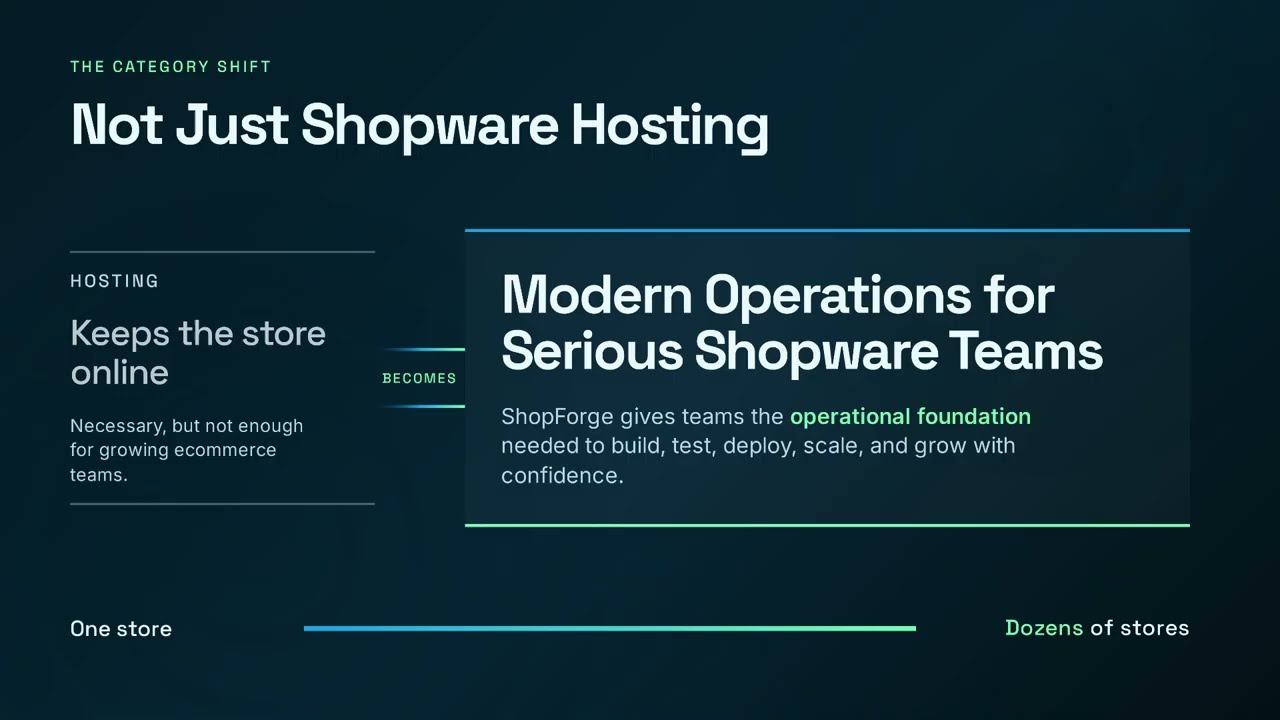
No. ShopForge is a cloud operations platform. Infrastructure hosting functions as a capability managed quietly underneath our orchestration layer, giving you unified control over your environments without proprietary lock-in.
You connect ShopForge directly to your own cloud accounts (AWS, Azure, OVH, or DigitalOcean). ShopForge automates the environment setup and deployment workflows, while you retain total data sovereignty and pay your cloud provider directly for raw infrastructure.
Yes. ShopForge is custom-built to help Shopware agencies standardize operations across their entire portfolio, create isolated client preview environments, and eliminate manual DevOps overhead.
The platform coordinates atomic blue/green deployments. You push code via Git, changes are fully compiled in an isolated build layer, and traffic is switched instantly with built-in rollback protection if anomalies are detected.
Yes. Agencies and freelancers can use ShopForge to quickly spin up client demo and staging environments. Each project has its own isolated workspace, complete with code access and cloud-ready deployment options.
No local setup is required. Your Shopware dev site runs entirely in the cloud, with a full code editor and terminal built in. All you need is a browser to start building or testing right away.
The go-live feature that lets you deploy to your own cloud (AWS, Azure, etc.) is currently in Beta. We’re inviting early testers — just contact us through the site if you’d like to try it out.
Yes — you can share your demo store’s public link to showcase your work, or invite teammates and clients to collaborate in the same environment. It’s perfect for demos, reviews, or team development.
Every ShopForge environment includes a visible timer. If you’re not logged in and the timer runs out, the site is deleted automatically. If you are logged in, you can extend the timer — and when it expires, the site is simply paused (not deleted). You can log back in anytime, go to “My Apps,” and unpause it. Paused sites are kept for up to 30 days before being permanently deleted.
Yes — you can download your entire site anytime. Just open your project in the dashboard, go to the Backups section, create a manual backup, and download it. It’s a quick way to keep a local copy or move your site elsewhere.
Yes — developers and agencies can contribute Shopware templates or demos to the ShopForge library. It’s a great way to showcase your work and help others get started — sites launch in under 5 seconds with no setup required.