Modern Dev/Test/Live Workflows
Automate CI/CD & Deployments
Bring Your Own Cloud (BYOC)
Built for Serious Agencies
Convene
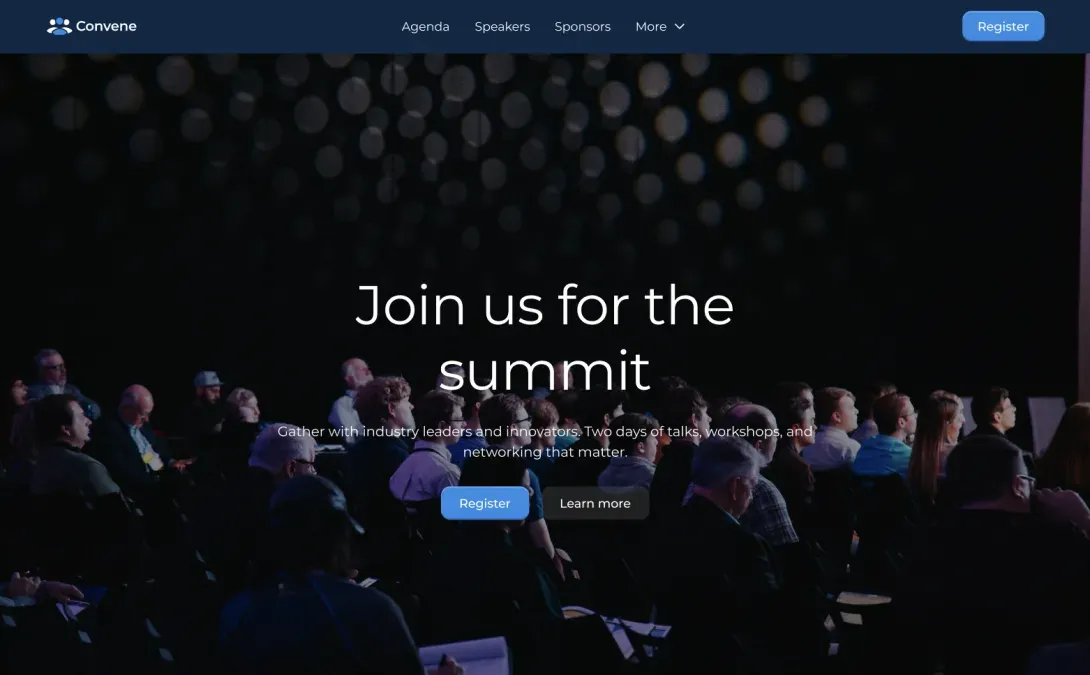
Convene is a site template designed to help organizations quickly create professional websites for conferences, summits, workshops, festivals, and community gatherings. Event websites typically need to present a large amount of information in a clear and structured way, including schedules, sessions, speakers, venue details, and participation options. Convene provides a thoughtfully organized foundation that enables organizers to showcase all essential event information while guiding visitors toward key actions such as registering, attending, or learning more about the program.
The template focuses on delivering a streamlined and engaging experience for event attendees. Visitors can easily explore the event overview, browse the agenda, discover sessions, and learn about speakers or performers through clearly structured pages. Dedicated sections allow organizers to highlight keynote speakers, featured sessions, important announcements, and event highlights, ensuring that the most important information is accessible at a glance.
Convene is designed to support a wide range of event formats, including professional conferences, academic symposiums, college festivals, training programs, and industry meetups. Its flexible structure accommodates both single-day and multi-day events, allowing schedules and sessions to be presented in a clear, easy-to-navigate format that works well across devices.
The template also includes space for sponsors and partners, helping organizers recognize supporters while adding credibility to the event. Additional sections provide room for venue information, travel guidance, updates, and contact details so attendees can plan their participation with confidence.
By providing a structured starting point and intuitive content organization, Convene enables event organizers to launch polished event websites quickly while keeping the focus on clear communication, strong storytelling, and a smooth informational experience for visitors.
Frequently Asked Questions
No. ShopForge is a cloud operations platform. Infrastructure hosting functions as a capability managed quietly underneath our orchestration layer, giving you unified control over your environments without proprietary lock-in.
You connect ShopForge directly to your own cloud accounts (AWS, Azure, OVH, or DigitalOcean). ShopForge automates the environment setup and deployment workflows, while you retain total data sovereignty and pay your cloud provider directly for raw infrastructure.
Yes. ShopForge is custom-built to help Shopware agencies standardize operations across their entire portfolio, create isolated client preview environments, and eliminate manual DevOps overhead.
The platform coordinates atomic blue/green deployments. You push code via Git, changes are fully compiled in an isolated build layer, and traffic is switched instantly with built-in rollback protection if anomalies are detected.
Yes. Agencies and freelancers can use ShopForge to quickly spin up client demo and staging environments. Each project has its own isolated workspace, complete with code access and cloud-ready deployment options.
No local setup is required. Your Shopware dev site runs entirely in the cloud, with a full code editor and terminal built in. All you need is a browser to start building or testing right away.
The go-live feature that lets you deploy to your own cloud (AWS, Azure, etc.) is currently in Beta. We’re inviting early testers — just contact us through the site if you’d like to try it out.
Yes — you can share your demo store’s public link to showcase your work, or invite teammates and clients to collaborate in the same environment. It’s perfect for demos, reviews, or team development.
Every ShopForge environment includes a visible timer. If you’re not logged in and the timer runs out, the site is deleted automatically. If you are logged in, you can extend the timer — and when it expires, the site is simply paused (not deleted). You can log back in anytime, go to “My Apps,” and unpause it. Paused sites are kept for up to 30 days before being permanently deleted.
Yes — you can download your entire site anytime. Just open your project in the dashboard, go to the Backups section, create a manual backup, and download it. It’s a quick way to keep a local copy or move your site elsewhere.
Yes — developers and agencies can contribute Shopware templates or demos to the ShopForge library. It’s a great way to showcase your work and help others get started — sites launch in under 5 seconds with no setup required.