Modern Dev/Test/Live Workflows
Automate CI/CD & Deployments
Bring Your Own Cloud (BYOC)
Built for Serious Agencies
Automated Testing Kit
Catch bugs early. Release with Confidence.
Automated Testing Kit is your fast track to continuous integration for Drupal sites. It helps teams ship confidently, reduce manual QA, and catch bugs before they go live—all without needing a full-blown DevOps team.
With a suite of prebuilt tests and helper functions, Automated Testing Kit turns Drupal testing from an afterthought into a daily habit. It enables testers to focus on high-priority tasks, minimizes disruptions from rollbacks, and supports the delivery of stable, high-quality Drupal sites.
Benefits of Automated Testing Kit
- Eliminate Bugs Before They Reach Production: Catch issues early to ensure a seamless user experience and protect your reputation.
- Accelerate Releases with Confidence: Streamline testing to deploy faster without compromising quality.
- Empower Your Testers: Free up your team from repetitive manual tasks, allowing them to focus on high-value exploratory testing.
- Reduce Disruptive Hotfixes: Minimize costly rollbacks and keep your development workflow smooth and efficient.
- Modernize Your Testing Strategy: Achieve faster releases, happier teams, and a more reliable Drupal site.
Key Features
Automated Testing Kit is packed with powerful tools to supercharge your Drupal testing:
- 21 Essential Tests: Covering critical functionality like user login/logout, registration, password resets, contact forms, 404/403 errors, caching, entity operations (node, media, taxonomy, user), sitemap testing, menus, and search.
- 16 Helper Functions: Simplify tasks like retrieving usernames, Drupal UIDs, and more for seamless test creation.
- Pre-Flight Verification: Ensure your target site is ready for testing with built-in checks.
- Accessibility & Performance Support: Integrate with AXE for accessibility testing and Google Lighthouse for performance testing.
- Find Selectors Easier: Simplify element selection with hooks that expose them.
Upcoming Features and Tests
- FedRAMP Compliance Tests: Upcoming tests designed to meet federal security and compliance requirements, expanding the kit’s applicability for government projects.
Get Started
To begin, explore the Automated Testing Kit Demonstration Recipe (written instructions) or view the Demonstration Recipe video tutorial to set up a local demo. For a detailed overview, watch the 42-minute Introduction to Automated Testing Kit.
Learn from Experts
Learn how to use Automated Testing Kit:
- Setting up a Comprehensive Automated Testing Regime for Drupal using Cypress and Playwright (André Angelantoni, Stanford Web Camp 2023, 54 min).
- https://www.drupal.org/project/automated_testing_kit (Stanford Web Camp 2025)
Looking for Support
Get support by joining the #automated-testing channel on the Drupal Slack workspace. To contribute tests or report issues, visit the project page on Drupal.org.
Next Steps
Too busy to install Automated Testing Kit yourself or need new tests written? Contact us today.
Frequently Asked Questions
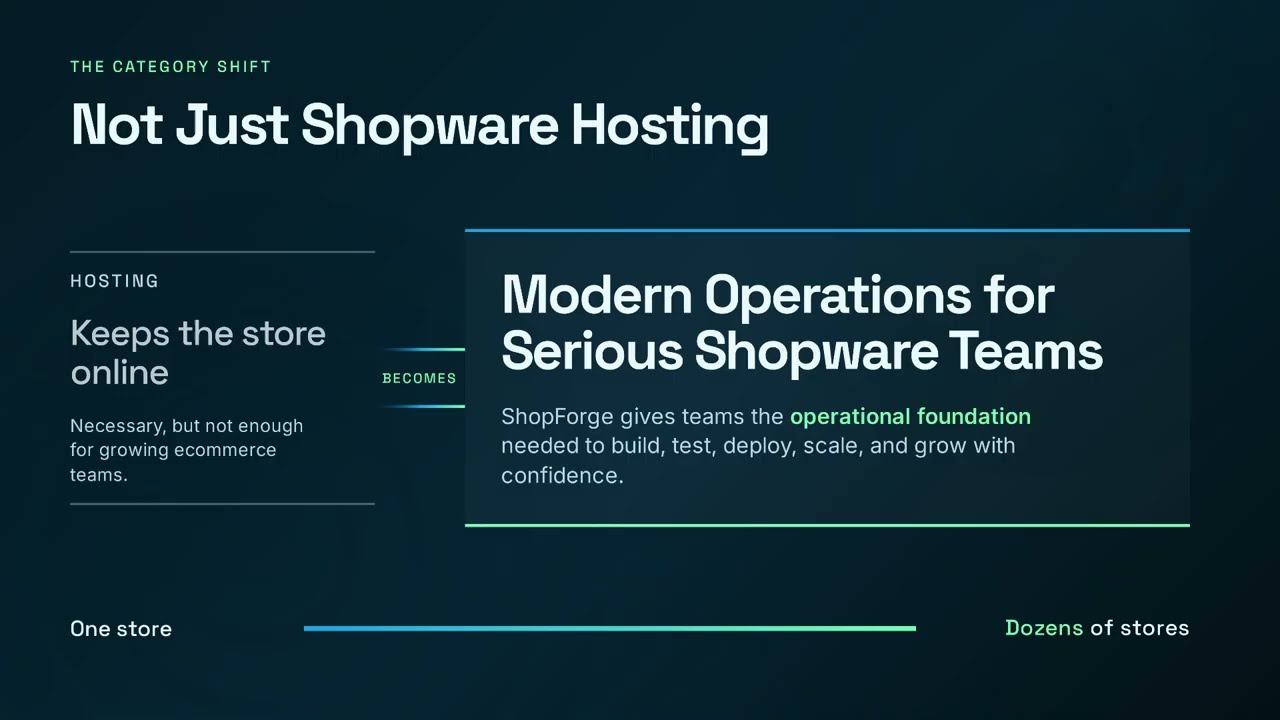
No. ShopForge is a cloud operations platform. Infrastructure hosting functions as a capability managed quietly underneath our orchestration layer, giving you unified control over your environments without proprietary lock-in.
You connect ShopForge directly to your own cloud accounts (AWS, Azure, OVH, or DigitalOcean). ShopForge automates the environment setup and deployment workflows, while you retain total data sovereignty and pay your cloud provider directly for raw infrastructure.
Yes. ShopForge is custom-built to help Shopware agencies standardize operations across their entire portfolio, create isolated client preview environments, and eliminate manual DevOps overhead.
The platform coordinates atomic blue/green deployments. You push code via Git, changes are fully compiled in an isolated build layer, and traffic is switched instantly with built-in rollback protection if anomalies are detected.
Yes. Agencies and freelancers can use ShopForge to quickly spin up client demo and staging environments. Each project has its own isolated workspace, complete with code access and cloud-ready deployment options.
No local setup is required. Your Shopware dev site runs entirely in the cloud, with a full code editor and terminal built in. All you need is a browser to start building or testing right away.
The go-live feature that lets you deploy to your own cloud (AWS, Azure, etc.) is currently in Beta. We’re inviting early testers — just contact us through the site if you’d like to try it out.
Yes — you can share your demo store’s public link to showcase your work, or invite teammates and clients to collaborate in the same environment. It’s perfect for demos, reviews, or team development.
Every ShopForge environment includes a visible timer. If you’re not logged in and the timer runs out, the site is deleted automatically. If you are logged in, you can extend the timer — and when it expires, the site is simply paused (not deleted). You can log back in anytime, go to “My Apps,” and unpause it. Paused sites are kept for up to 30 days before being permanently deleted.
Yes — you can download your entire site anytime. Just open your project in the dashboard, go to the Backups section, create a manual backup, and download it. It’s a quick way to keep a local copy or move your site elsewhere.
Yes — developers and agencies can contribute Shopware templates or demos to the ShopForge library. It’s a great way to showcase your work and help others get started — sites launch in under 5 seconds with no setup required.